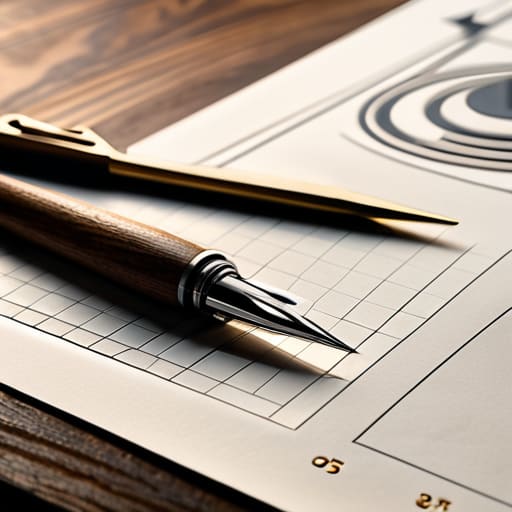
A Template Worth Keeping
I was staring at a pile of sawdust and three different iterations of a chair leg last Tuesday, wondering why I felt so paralyzed by a blank sheet of paper. Most people think that learning how to make a template is about finding the perfect, rigid structure that prevents errors, but they have it backward. A template isn’t a cage; it’s a scaffold. If you build one that is too restrictive, you kill the very intuition that makes your work worth doing. I’ve spent twenty years in studios realizing that the best templates are actually the ones that leave just enough room for the unintended decision to breathe.
In this guide, I’m going to strip away the software jargon and talk about the actual logic of structure. I won’t give you a polished, corporate workflow that feels like it was written by a committee; instead, I’ll show you how to build something functional that respects your process. We’ll cover the essential bones of a good framework, the common mistakes that turn a helpful tool into a useless constraint, and how to know when to follow your template and when to throw it in the scrap bin.
Guide Overview
Tools & Supplies
- Pencil and eraser for sketching outlines
- Scissors or craft knife for precise cutting
- Cardstock or heavy paper 1 sheet
- Ruler for straight edges
Step-by-Step Instructions
- 1. Before you touch a single piece of software, you have to define the boundaries. In furniture design, I don’t start with a sketch; I start with the dimensions of the room and the weight of the wood. For a template, this means identifying the non-negotiables. What is the absolute minimum information required for this to function? If you try to build a template that solves every problem, you’ll end up with a bloated, unusable mess that no one actually wants to use.
- 2. Map out your structural skeleton. I think of this like the joinery in a chair—it’s the part that holds everything together but stays largely invisible. Decide where your headers, footers, and primary content blocks will live. Don’t worry about the aesthetics yet; focus on the logic of the flow. You are building a container, and if the container is structurally unsound, the most beautiful typography in the world won’t save it.
- 3. Establish your standardized constraints. This is where most people fail by being too permissive. A good template is a set of rules, not a suggestion. Decide on your margins, your line spacing, and your hierarchy of information. I often find that the most effective templates are the ones that limit the user’s choices. By narrowing the field, you actually free them up to do the real work instead of fussing over font sizes.
- 4. Populate the “ghost” elements. I call these the placeholders. Instead of leaving blank white space, which is psychologically intimidating, use dummy text or greyed-out blocks to show exactly where the data should land. It’s much easier to see if a layout works when you can see the rhythm of the content moving through it, even if that content is just nonsense Latin or “Lorem Ipsum.
- 5. Stress-test the edge cases. This is the part of the process I love most—the moment where the design almost breaks. Take your template and try to shove too much information into a single section. See what happens when a title is three lines long instead of one. If the layout collapses, you haven’t built a template; you’ve built a fragile illusion. Adjust your constraints until the structure holds up under pressure.
- 6. Document the “Why,” not just the “How.” A template without instructions is just a file. Write a brief, plain-English guide on how to use it, specifically noting why certain decisions were made. If you decided to keep the margins wide to allow for annotations, say so. This turns a static tool into a living system that others can actually respect and maintain.
The Near Miss Choosing the Right Precision Template Fabrication
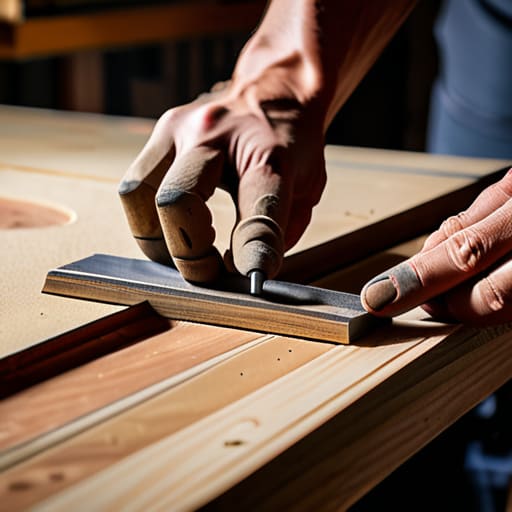
I spent most of last Tuesday staring at a piece of 12mm MDF, caught in that familiar paralysis of choice. I was debating between a quick, hand-cut pattern and a more rigorous approach to precision template fabrication. In my early years, I would have just grabbed a jigsaw and called it a day, but twenty years of seeing how small errors compound in production has changed my math. I nearly went with a thin plywood for its lightness, but I realized that if I wanted this to survive more than three passes with a router bit, I needed something with actual heft and structural integrity.
The mistake most people make is treating the template as a disposable afterthought. If you are serious about creating reusable templates for woodworking, you have to think about the edge. I eventually settled on a denser substrate, knowing that the way the tool interacts with the edge determines the longevity of the shape. It’s a quiet, unglamorous decision, but it’s the one that prevents the entire project from drifting off-axis halfway through the run.
The Hard Choice in How to Make a Template
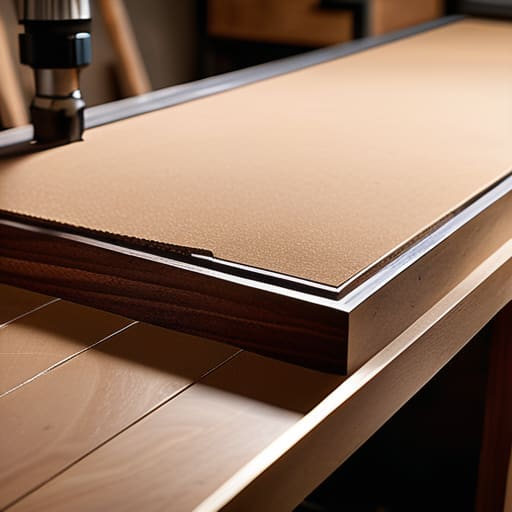
When I’m staring down a new project, I often find myself stuck between the convenience of a quick sketch and the stubborn reality of material physics. It’s tempting to just grab whatever scrap is lying around, but if you’re serious about creating reusable templates for woodworking, you have to respect the long game. I once spent three days perfecting a complex jig only to realize I’d used a material that swelled the moment the shop humidity shifted. Now, I lean heavily on an mdf template cutting guide for most of my work; it’s stable, predictable, and holds an edge long enough to actually be useful.
The real tension, though, isn’t just about the material—it’s about the friction of the process. You have to decide if a template is a one-off servant to a single curve or a permanent tool in your arsenal. I’ve learned that investing time in the initial layout pays dividends every time you pick up a router. If the template feels flimsy in your hands, your final piece will feel unearned. Don’t just make something that works once; make something that survives the mistake you haven’t even made yet.
Commitment to the Cut Creating Reusable Templates for Woodworking
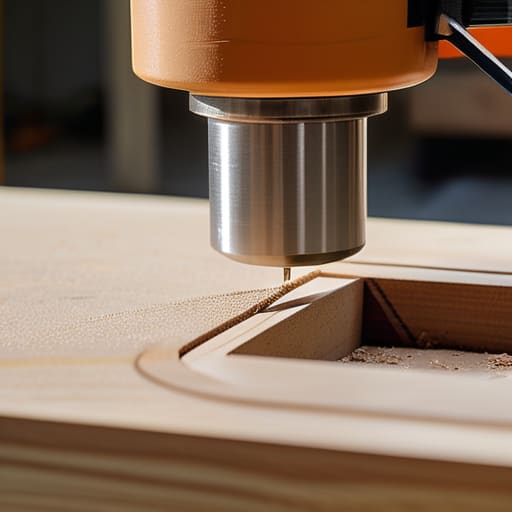
There is a particular kind of heartbreak in watching a perfect shape vanish under a router bit because the guide was too flimsy to hold its ground. When I’m creating reusable templates for woodworking, I’ve learned that the material choice is less about cost and more about how much you trust your hands. I used to reach for whatever scrap was lying around, but those days ended when a slight vibration turned a clean radius into a jagged mess. Now, I almost exclusively use high-density MDF. It has a predictable grain—or lack thereof—that makes it a reliable mdf template cutting guide for anything requiring a steady edge.
The real trick to longevity, however, isn’t just the material; it’s the edge treatment. If you want to avoid the inevitable fraying that ruins a template after three or four passes, you have to seal those edges with a bit of lacquer or even a thin layer of wood glue. It feels like an unnecessary extra step until you realize that a smooth, hardened edge is the difference between a tool that lasts a decade and one that ends up in my “rejected” pile by next Tuesday.
The Ghost in the Template
A template isn’t just a guide for where the blade goes; it’s a record of every mistake you were too smart to make twice. If you haven’t agonized over whether to make it slightly too wide or just a hair too tight, you haven’t actually built a tool—you’ve just made a piece of scrap that happens to look like a plan.
Jonathan Marin
The Ghost in the Machine
At the end of the day, building a template isn’t just about duplicating a shape; it’s about the discipline of the setup. We’ve walked through the material selection, the precision of the cut, and that inevitable moment where you have to decide if a slight deviation is a mistake or a new direction. Whether you are working with high-density fiberboard or a simple piece of scrap, the goal is to create a tool that removes the guesswork without stripping away the soul of the work. If you focus too much on the perfection of the guide, you risk losing the intentionality of the craft itself.
I often look at my shelf of rejected prototypes—the ones with the handwritten notes explaining why the geometry failed—and I realize they were just as important as the templates that actually made it to the production line. A template is a boundary, yes, but it is also a conversation between your initial idea and the physical reality of the material. Don’t be afraid to let a template fail or to adjust it mid-stream. The most enduring pieces of furniture rarely come from a perfect, sterile process; they come from the decisions made in the margins when things didn’t go exactly according to the blueprint.
